How Implementing WordPress Dark Mode Boosted 9to5’s sites

Learn how implementing WordPress Dark Mode boosted 9to5’s sites
At BigWP, 10up president Jake Goldman demonstrated two ways to enable dark mode support

WordPress VIP Gold agency partner 10up recently worked with media company 9to5 to add WordPress dark mode and light mode support to its most popular sites, including 9to5Mac and 9to5Google. Jake Goldman, founder and president of 10up, took the stage at BigWP SF to discuss the project and provide a practical primer on supporting native, OS-level dark and light settings.

As of this year, all major operating systems and browsers have begun to support the ability to view different display modes (light and dark), based on user preference.

Beyond aesthetics, dark mode is a contributing factor in improving accessibility for users who suffer from eye strain or other vision difficulties. Enabling dark and light mode options also empowers users to personalize their experience with your content — which can improve engagement.

The good news? WordPress dark mode is relatively easy to enable. It took 10up only about 30 people hours to set up five sites on the 9to5 network that shared an overarching layout.

In this talk, Jake walks through two approaches to achieve similar results. First, a CSS path to deliver content in light or dark mode based on a user’s predefined settings. Next, a JavaScript method to allow users to toggle between light and dark mode on their own, which defaults to user device settings.
New on WordPress.com VIP: The Dish

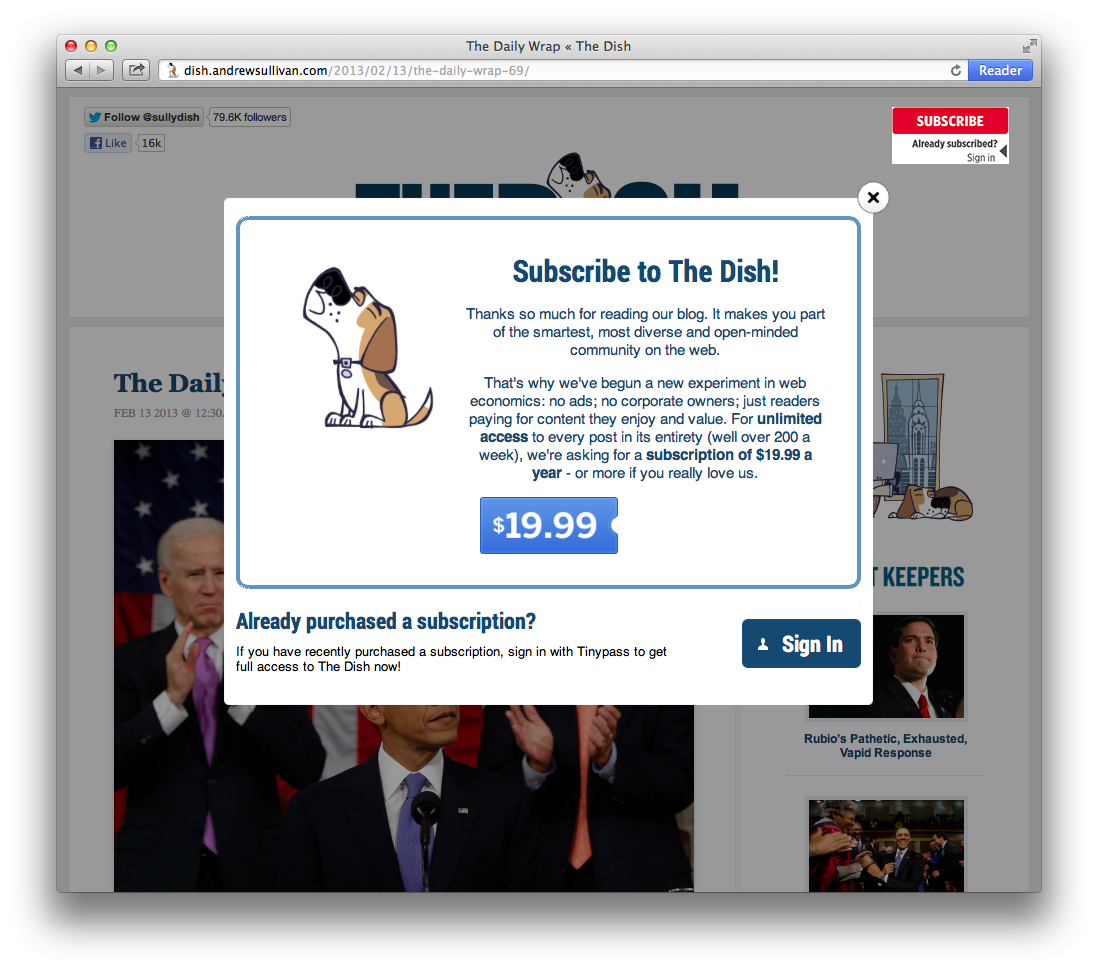
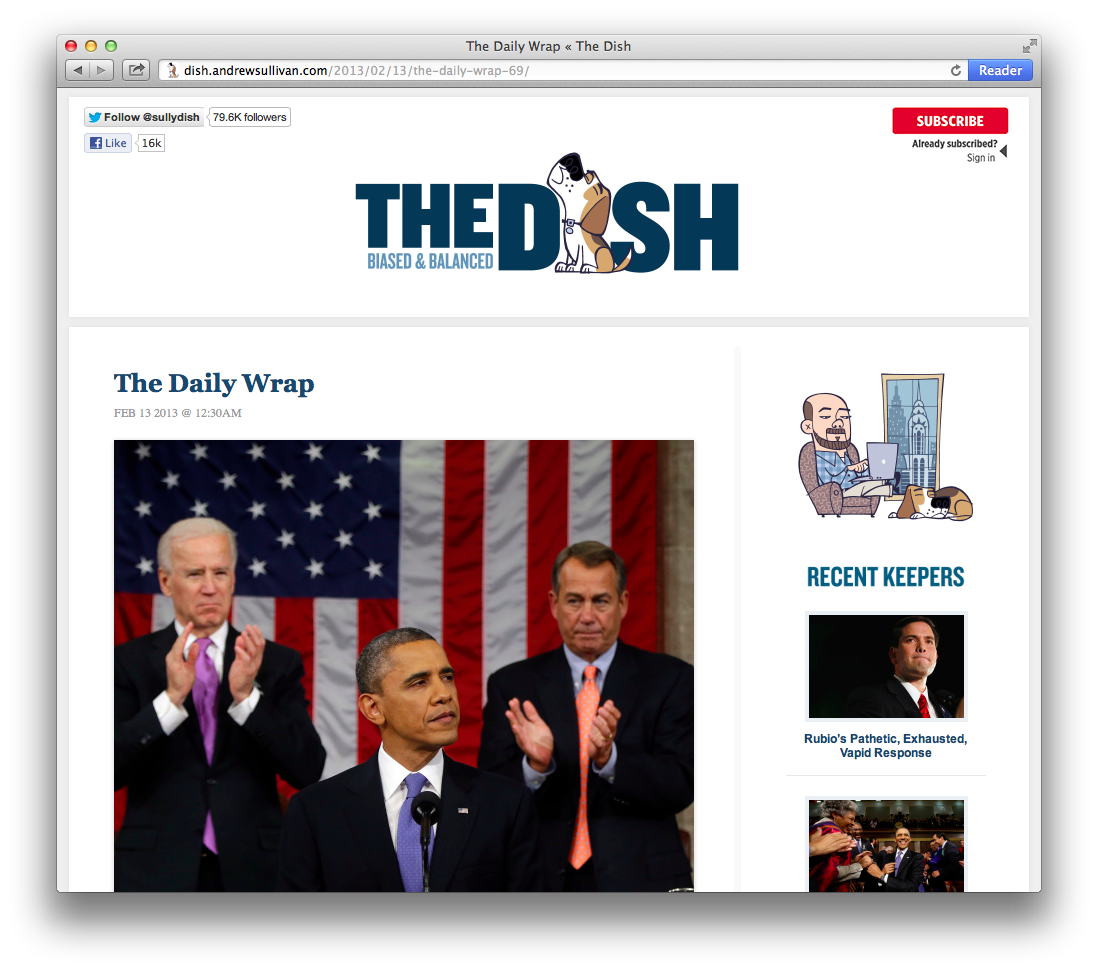
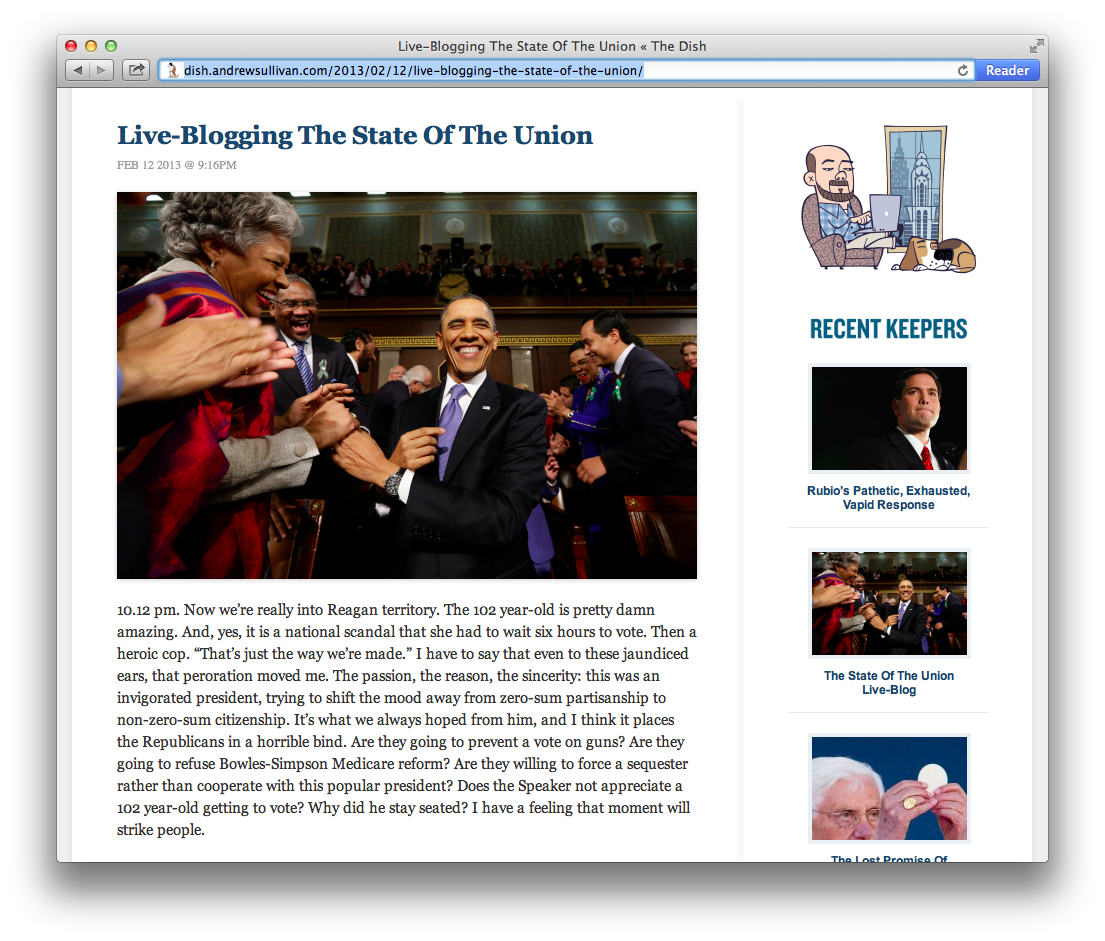
Andrew Sullivan’s The Dish announced last year that they were going independent, and now they’ve successfully launched their new site on WordPress.com VIP with the help of our Featured Partners10up and TinyPass.

Screen Shot 2013-02-14 at 3.49.04 PM

Screen Shot 2013-02-14 at 3.53.14 PM

The new site created by 10up is beautiful and fast, featuring responsive design and infinite scroll. Using TinyPass, readers can purchase a subscription (or make a donation) to The Dish, or simply log in if they are already a paid subscriber.

Screen Shot 2013-02-14 at 3.49.11 PM

A big thank you to The Dish team as well as 10up and TinyPass, who helped make the entire site migration and launch happen in just four short weeks.

Check out The Dish at http://dish.andrewsullivan.com/

Interested in going VIP? Get in touch.

New Plugin: Safe Redirect Manager

Taylor Lovett is a WordPress plugin author based out of Washington DC and a Web Engineer at 10up LLC, a high-end WordPress shop and a WordPress.com VIP Partner.

Safe Redirect Manager is a brand new WordPress plugin that allows you to manage HTTP URL redirection from the WordPress admin. Simply provide a “from path”, “to path”, and a HTTP status code to create a redirect.

The inspiration behind the plugin is safety. There are quite a few redirect management plugins available that are packed with features. However, plugins that are featured packed often neglect safety and security. Safe Redirect Manager uses the wp_safe_redirect function preventing accidental redirection to “bad” hosts. The plugin also warns you if you create a potential redirect loop.

Redirects are saved as a custom post type rather than in the options table. This strategy keeps the plugin lean and your options table light.

This plugin can be activated from your VIP dashboard and found in the WordPress.org plugin repo. You can contribute to the plugin on Github.